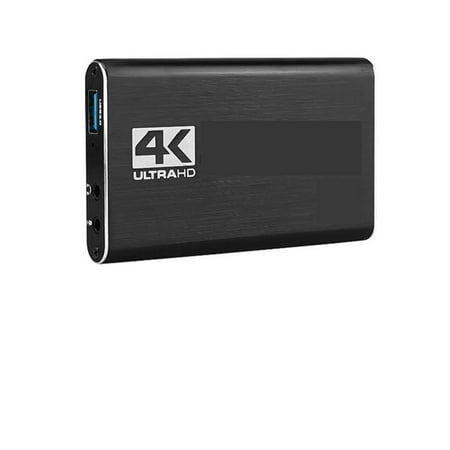
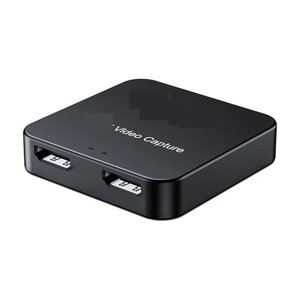
Interface Description:1. Signal indicator: When the device captures video normally, the indicator lights up. 2. Power indicator: When the device is connected to the USB port of the computer, this indicator lights. 3. HMI-compatible input: This slot is where the HMI-compatible output source such as camera, camcorder, game box, IPTV box, etc. is connected. 4. USB3.0 output: This slot is where you connect the USB3.0 input of a computer or laptop. Related Products: video switcher, video mixer, video switcher for live streaming, video streaming
Interface Description:1. Signal indicator: When the device captures video normally, the indicator lights up. 2. Power indicator: When the device is connected to the USB port of the computer, this indicator lights. 3. HMI-compatible input: This slot is where the HMI-compatible output source such as camera, camcorder, game box, IPTV box, etc. is connected. 4. USB3.0 output: This slot is where you connect the USB3.0 input of a computer or laptop. Related Products: video switcher, video mixer, video switcher for live streaming, video streaming